End-to-End Case Study
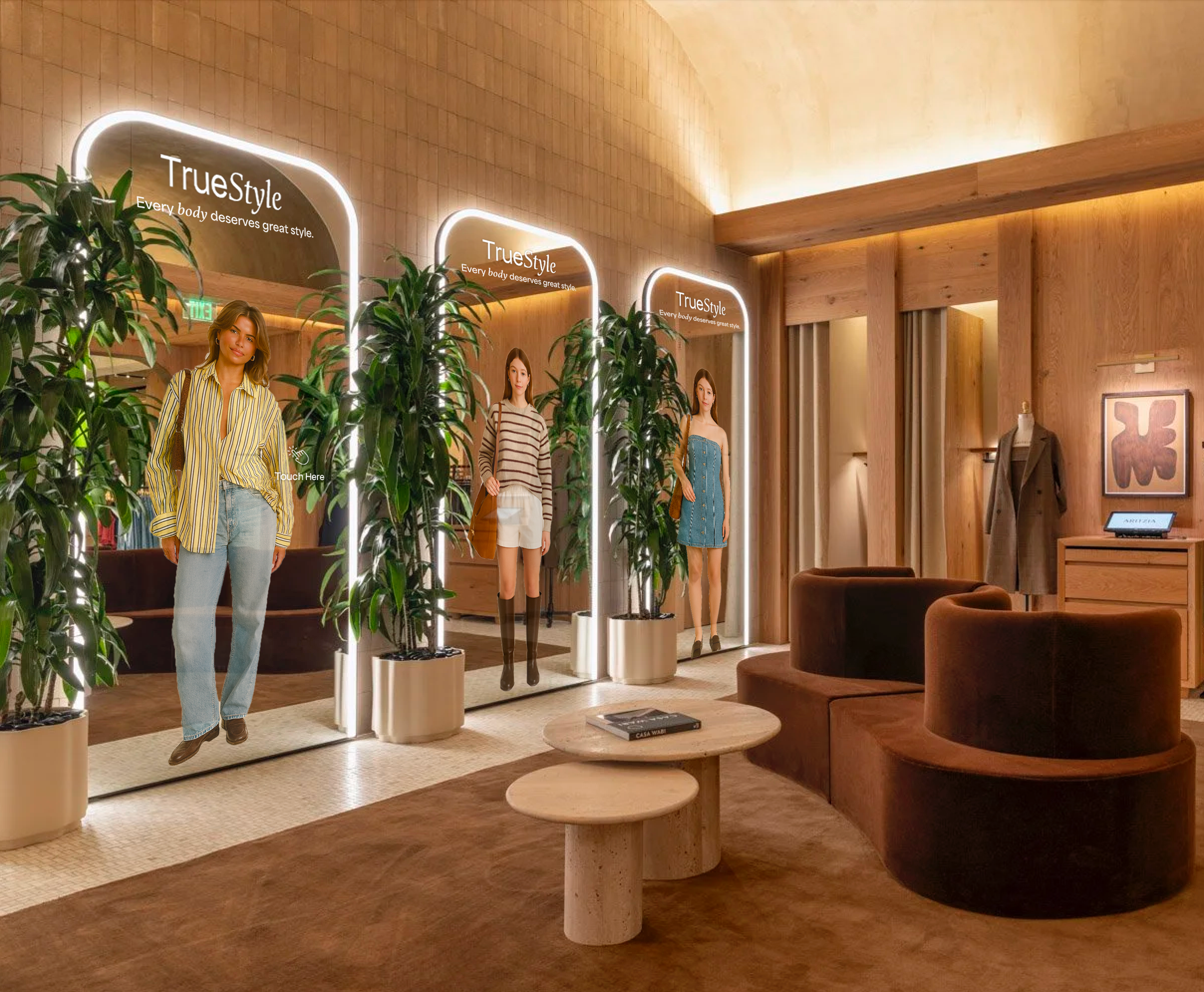
TrueStyle
From living room concept to working AR mirror — a product that pivoted its way to something better.
People struggle to define their personal style
The result is impulse buying, overconsumption, and a wardrobe full of clothes that don't quite work together. The real moment of need isn't in a store fitting room or an e-commerce return flow — it's 7am, in your bedroom, in front of your own mirror, where getting dressed is still manual, disconnected, and driven by guesswork.
What if your mirror knew your wardrobe as well as Spotify knows your music?
What shoppers actually told me
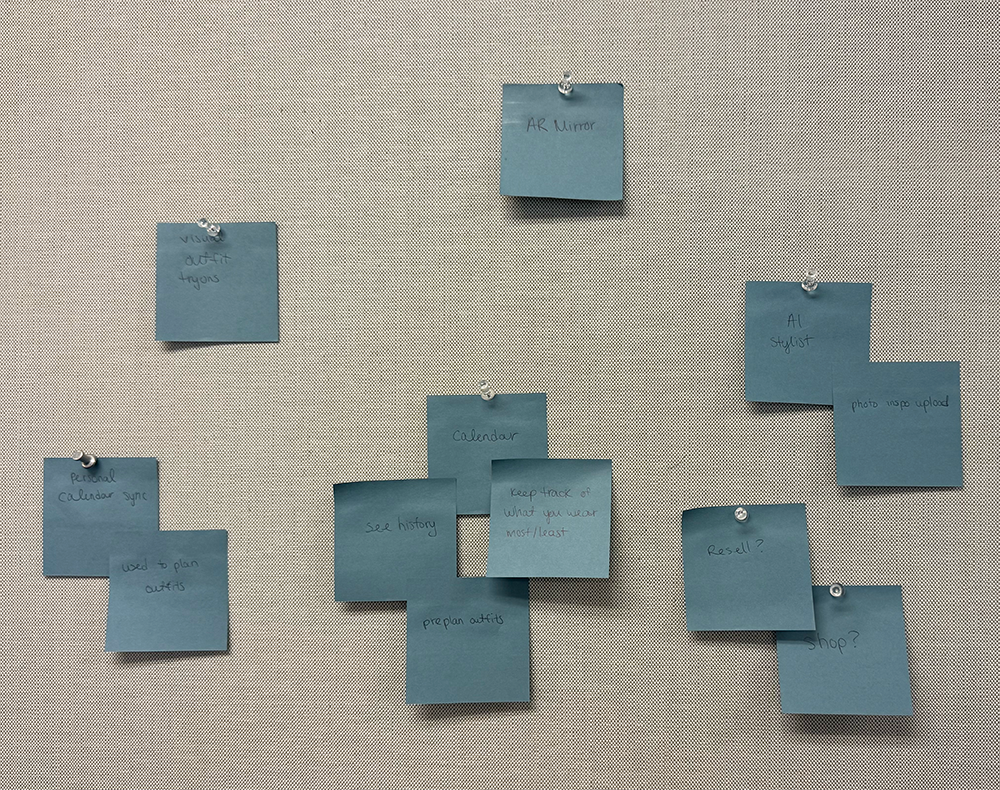
I interviewed 4 shoppers who regularly purchase clothing both online and in stores — ages 30–42, mix of shopping habits. Three clear patterns emerged from affinity clustering.
Fit Uncertainty Drives Hesitation
Shoppers bought multiple sizes or avoided online entirely because they couldn't predict fit — directly inflating return volume.
Fitting Rooms Feel Like a Burden
Users describe fitting rooms as inconvenient for multiple outfits, often abandoning purchases rather than cycling in and out.
Shoppers Want Outfits, Not Items
Users wanted to see complete looks — suggesting an opportunity to support style exploration, not just fit verification.
How Might We
How might we help shoppers discover which clothing pieces flatter their unique body types without trying them on — so they feel more confident in their style?
AR Mirror & Digital Wardrobe App
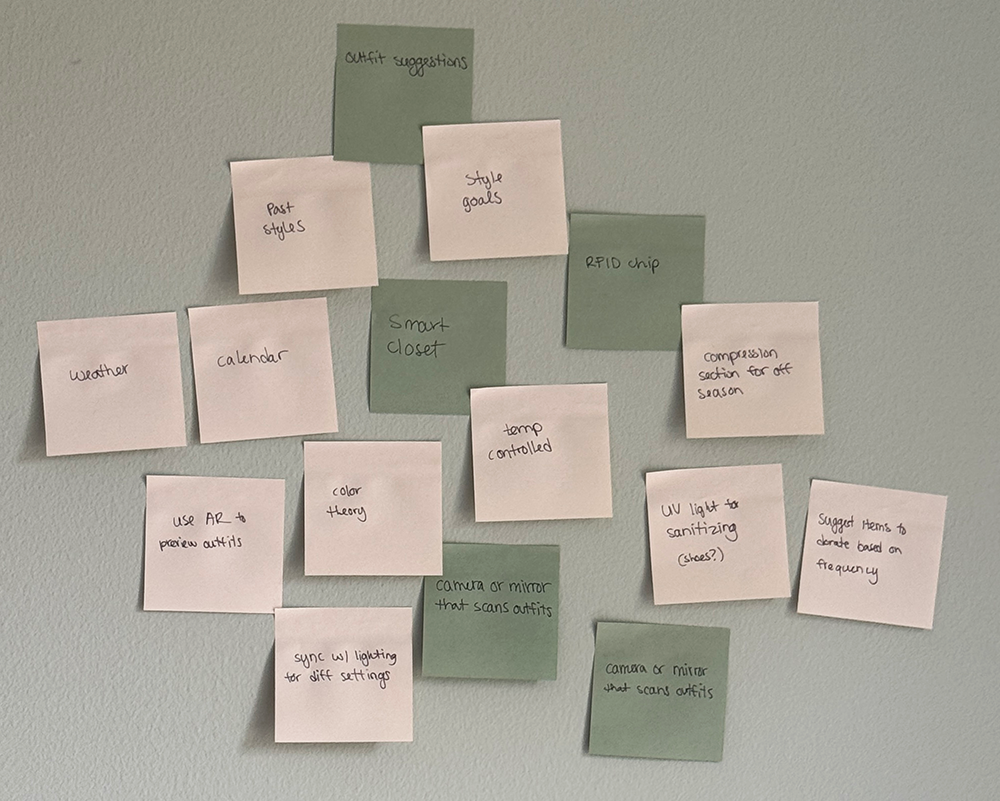
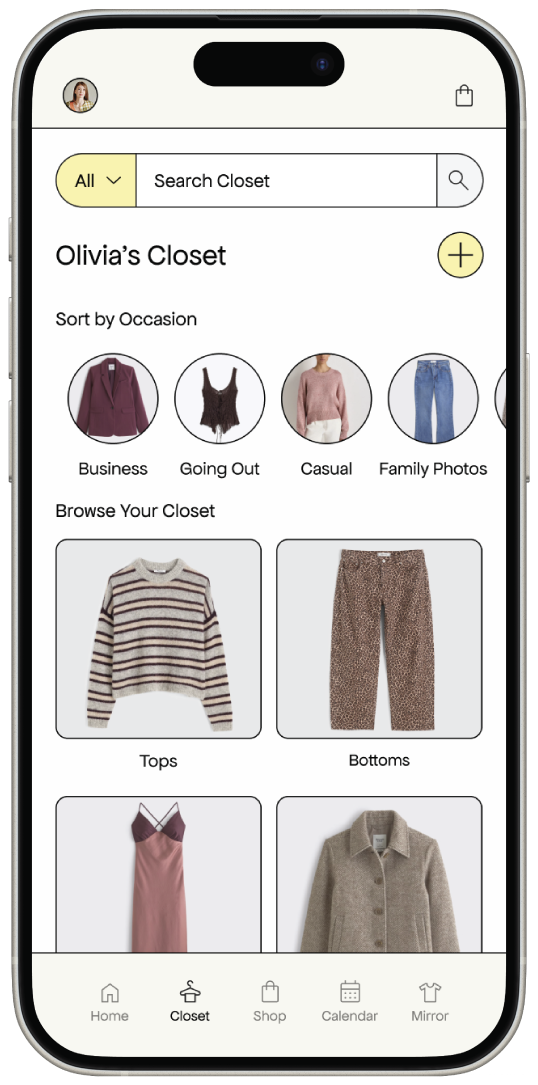
The first direction: an at-home virtual try-on mirror paired with a smart wardrobe app. The mirror knows your closet, pairs with your calendar to suggest outfits, and uses AI to style based on body proportions.
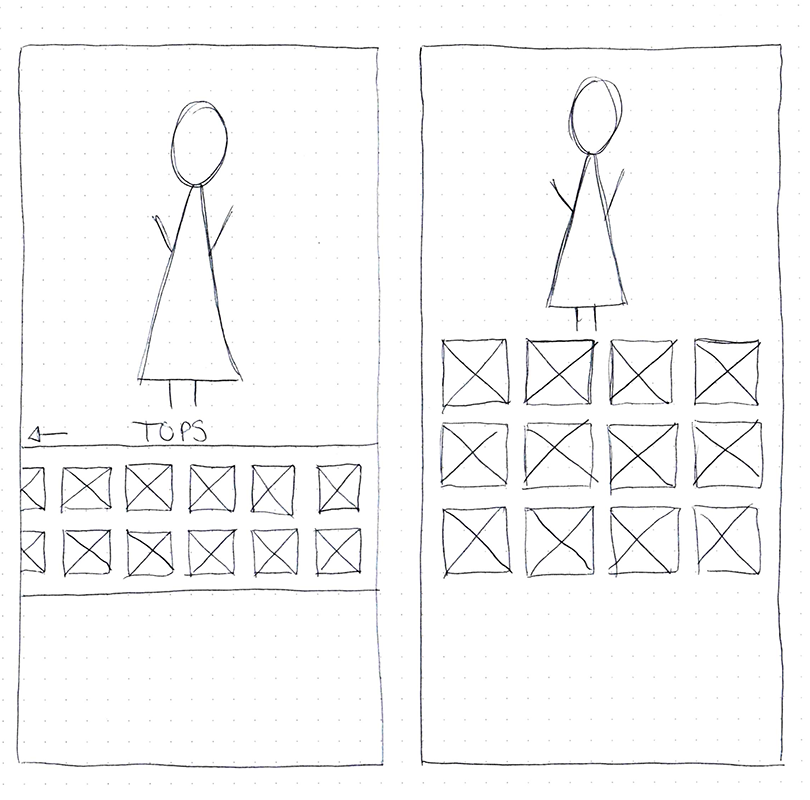
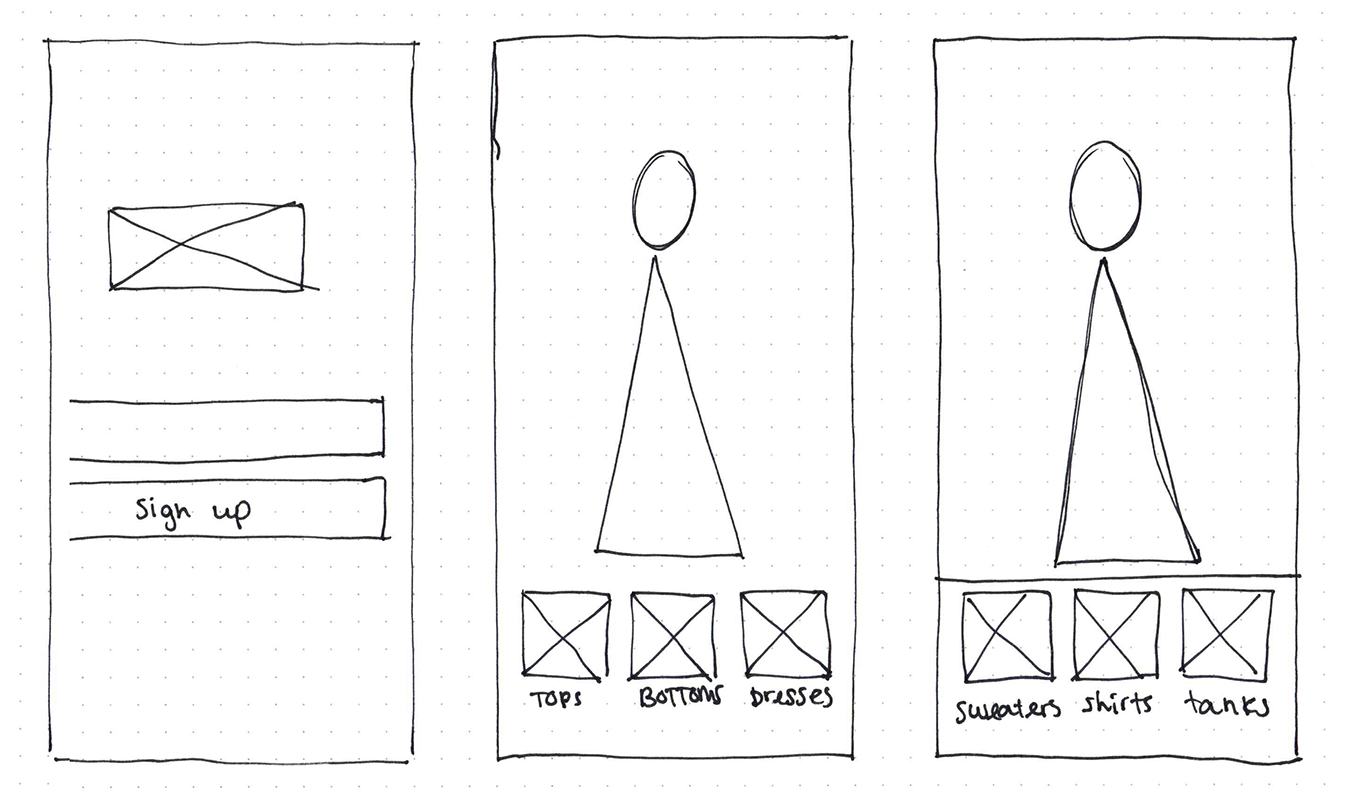
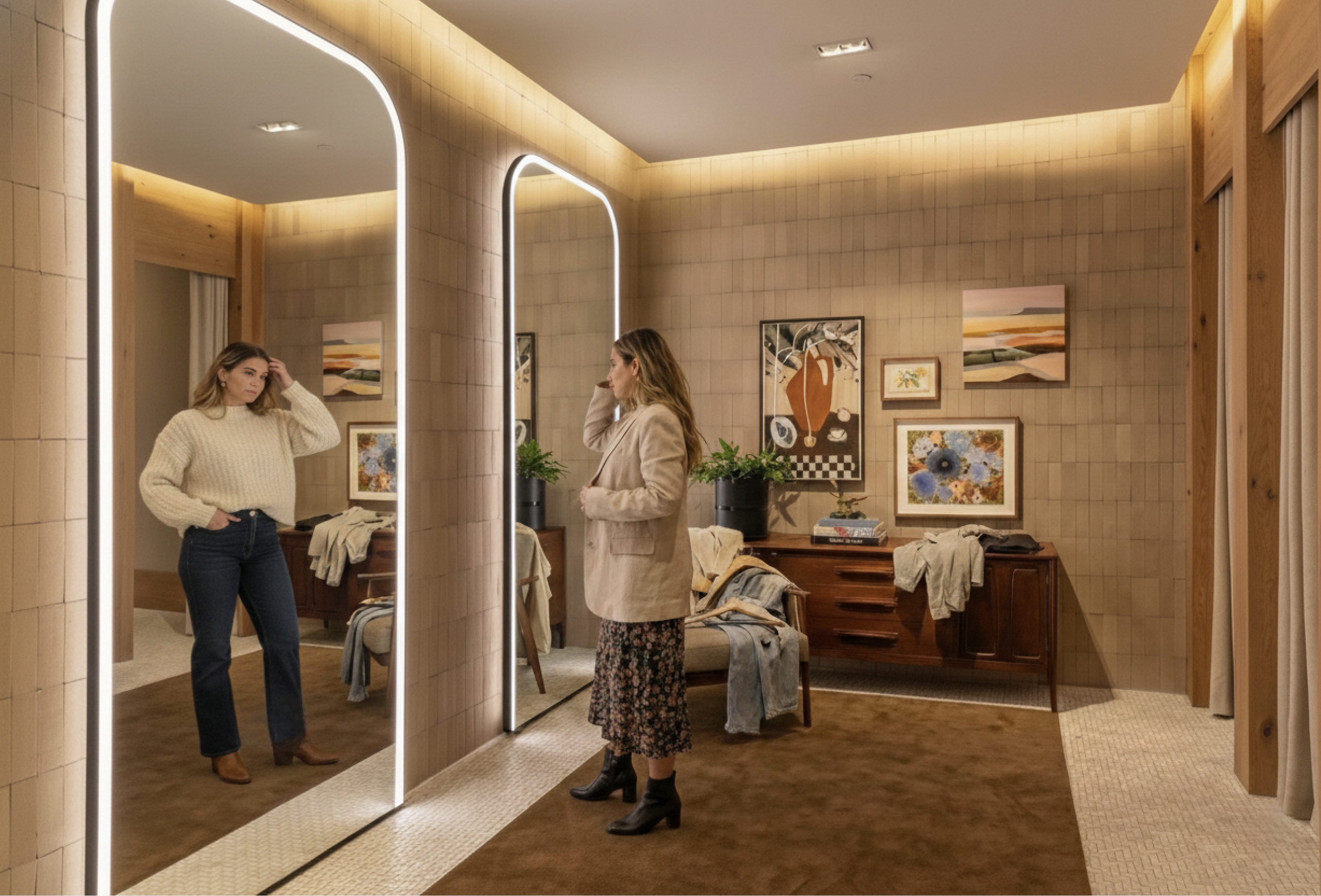
Early concept sketches — consumer in-home mirror and companion app
Feasibility testing: from living room to retail floor
After stress-testing the concept, the hardware cost made an in-home product inaccessible at consumer price points. That constraint didn't kill the project — it became the catalyst for a stronger, more scalable direction.
A consumer bedroom product — the mirror knows your wardrobe, suggests outfits, and lets you virtually try on clothes every morning.
A B2B SaaS platform for retailers — the technology is shared, cost distributed across a business that already absorbs it.
Hardware cost breakdown
Retailers already absorb hardware costs for fitting rooms, POS systems, and digital signage. A smart mirror is a natural extension of infrastructure they already own.
Designing for a new surface
I had experience designing vertical touchscreen kiosks, but a six-foot mirror is a different problem. Unlike a kiosk where the screen is the primary focus, a mirror requires the user to see themselves clearly. Overlaying UI elements across the body would directly interfere with the core experience.
This meant the interface had to live at the edges of the mirror — keeping the center completely clear for the AR visualization. Then I realized touch wasn't the answer either. A large public mirror accumulates fingerprints immediately and ruins the premium experience. Gesture navigation became the obvious solution.
"A standard kiosk assumes a standing adult at arm's length. A mirror is used in place — I had to design for shorter users, children, and wheelchair users who may not reach controls placed too high."
Edge-Anchored UI
Navigation and controls anchored low and to the sides — center stage reserved for the body and AR overlay.
Accessibility-First Layout
Gesture navigation enables a fuller range of users including shorter individuals, children, and wheelchair users.
Gesture Navigation
Gestures keep the experience hands-first rather than screen-first — aligned with how people naturally behave at a mirror.
No Touch Required
Touch navigation on a large public mirror accumulates fingerprints immediately across the UI — gestures solve this entirely.
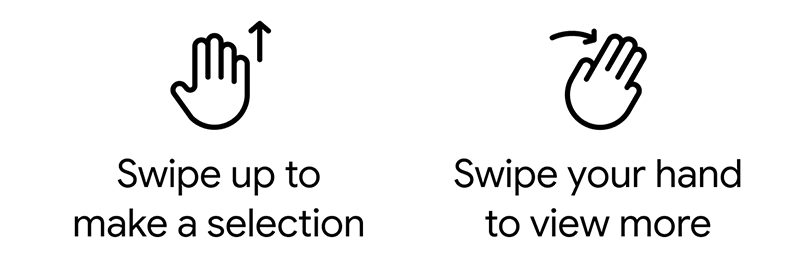
Gestures taught me the principles. Voice delivered them.
The four-gesture system worked logically — but logic isn't everything. To reach a specific outfit category, users had to swipe through multiple layers of navigation. Voice lets someone say exactly what they want and skip the extra steps entirely.
With no direct precedent for a styling mirror, I designed a four-gesture system: swipe up/down to browse, left to go back, right to save. Simple, learnable, no fingerprints.
Scenario walkthroughs revealed the core tension: gesture navigation forced users through layered menus. Someone who already knows they want a casual Friday look shouldn't have to swipe through four screens.
The gesture system's core strengths — minimal commands, low cognitive load, fast navigation — translated directly to voice. The principles didn't change; the input channel did. "Show me something casual" bypasses the entire menu structure in a single statement.
The best interaction model is one you don't notice. Voice lets the mirror get out of the way so the user can focus on what matters — how they look and feel.
Try on at home, shop with confidence
The mobile experience lets shoppers experiment with clothing and build outfits at home. Users generate a personalized digital avatar based on body measurements and reference photos — a simplified 3D body model that represents their shape. The avatar becomes the canvas for AR visualization.
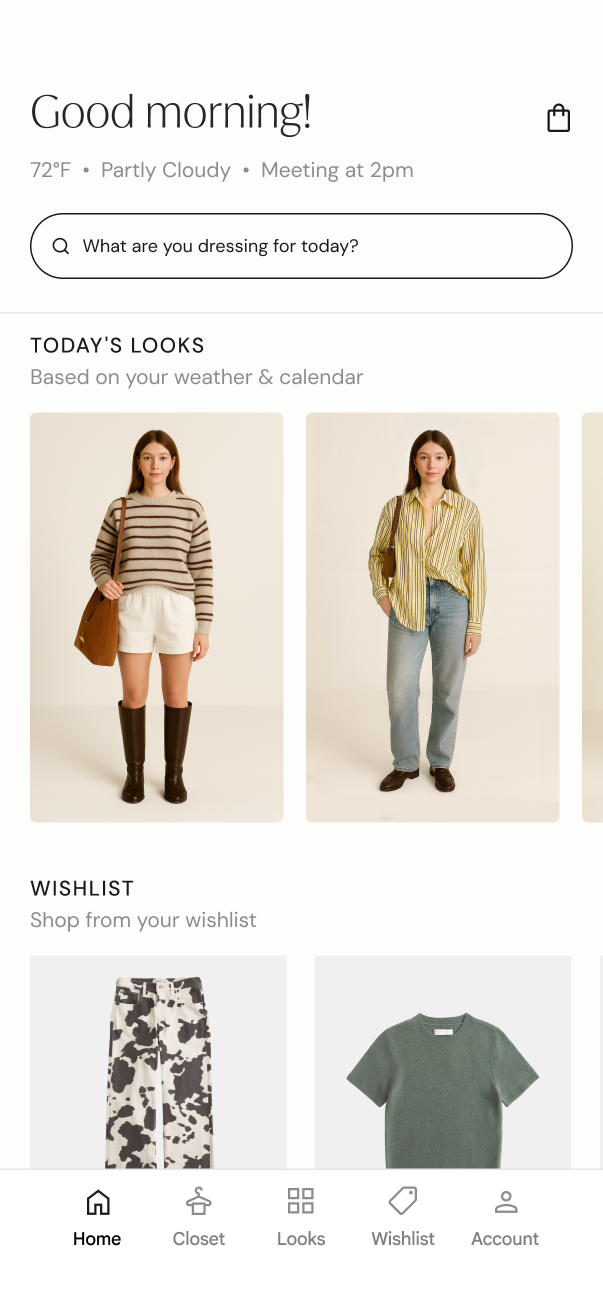
Three friction points. One elegant solution.
Testing revealed three clear friction points in the mirror experience. The pattern pointed to a single root cause: the mirror was being asked to do too much.
Checkout Confusion
Users didn't know how to complete a purchase from the mirror interface.
Remove an Item
Users couldn't figure out how to remove a garment from their session.
Wanted More Detail
Users asked for totals, tax, and payment details on the mirror screen.
More information on the mirror sounds reasonable — but on a large public screen it would clutter the interface, extend session time, create longer lines, and expose private purchase data to everyone nearby.
The QR code handoff: at the end of a try-on session, the mirror generates a code. The shopper scans it, checkout completes on their own device — privately, quickly, without occupying the mirror.
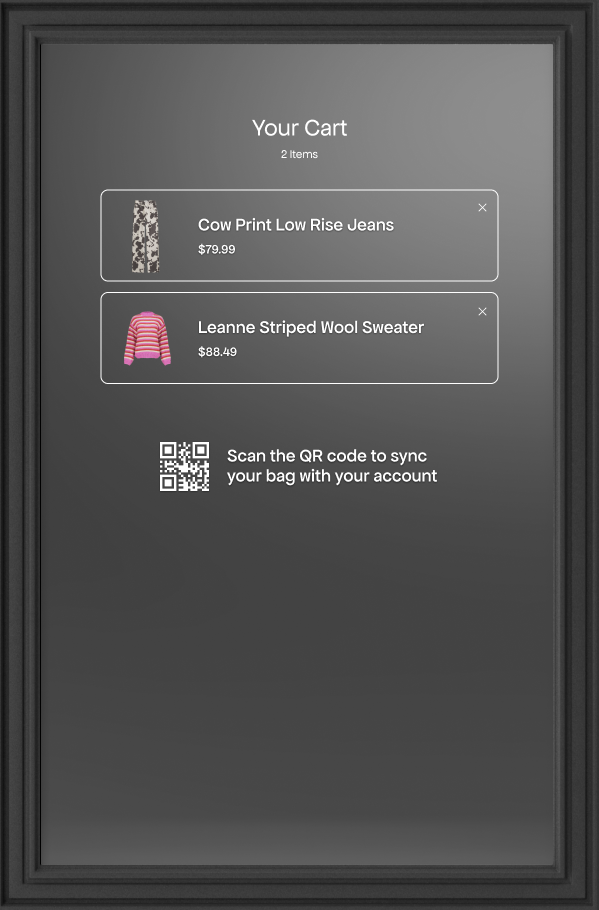
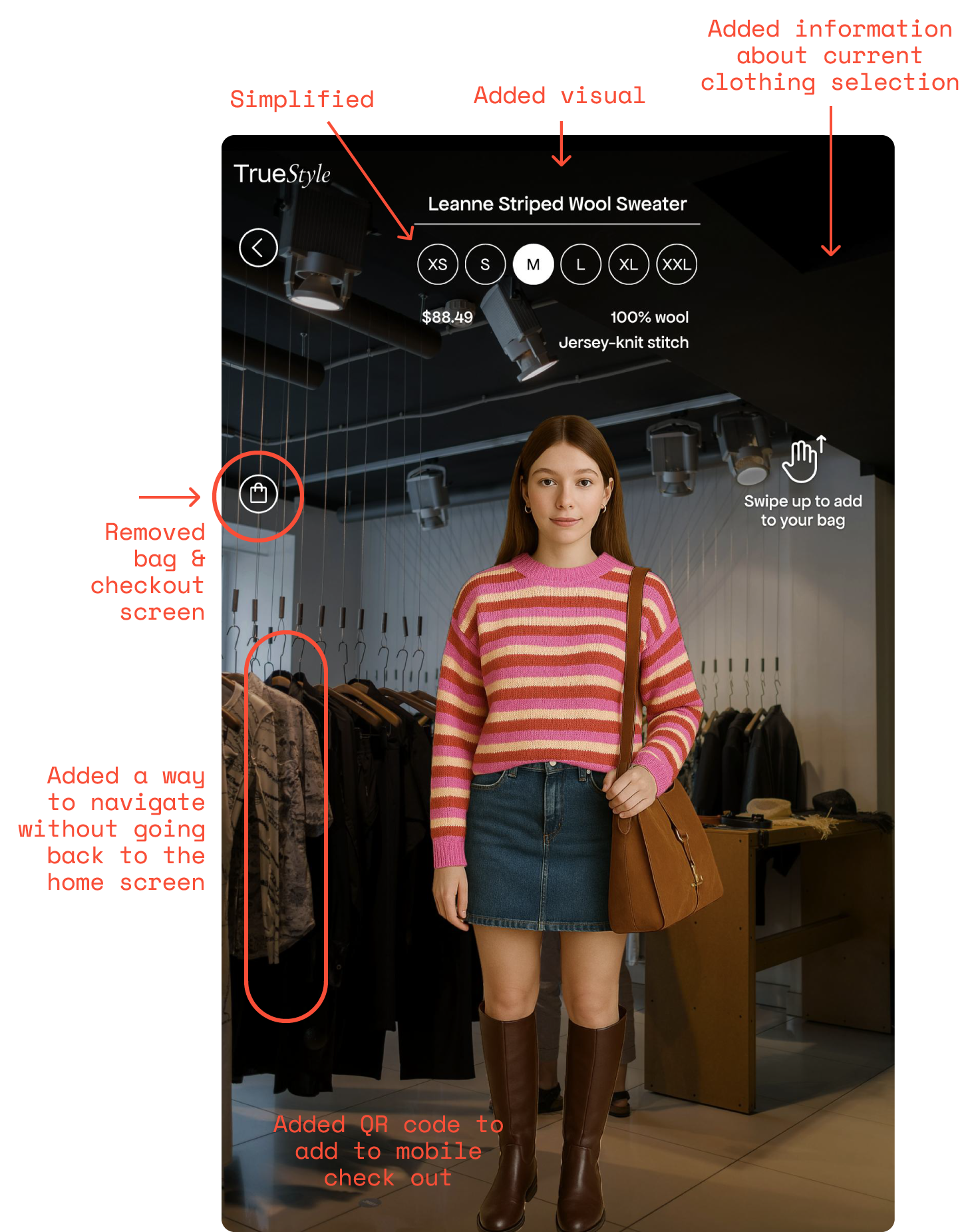
Left: original cart screen (problem) — Right: QR handoff to mobile (solution)
How it actually works
The TrueStyle prototype runs on a vertical TV, a Kinect v2 camera, and Unity — turning off-the-shelf hardware into a working AR styling mirror. Here's the system broken down.
Body Tracking
The Kinect reads 25 joints every frame and streams to Unity over UDP. Clothing lands in the right spot because the system knows where your shoulders, spine, and hips are in 3D space.
Key solve: depth axis was inverted between Kinect and Unity — required double negation to get correct scaling as users move toward/away from mirror.
Clothing Overlay
Tops anchor to shoulder and spine joints. Bottoms anchor to hips. Each piece scales dynamically based on body depth — step closer and clothing grows, step back and it shrinks. Smoothed with interpolation so nothing jitters.
Size calculated from world-space body height and depth, not pixel coordinates — proportions stay accurate at any distance.
Gesture & Voice Input
Swipe right hand for tops, left for bottoms. System tracks wrist velocity and displacement to distinguish intentional swipes from casual movement. Voice uses Windows speech recognition — no internet required.
Voice commands: "next," "back," "show me tops," "men's," "women's"
Screen Flow
Four states manage the experience: Startup → Gender Selection → Mirror → Idle. If nobody is tracked for a set period, the mirror drops to idle loop and resets when someone steps back in. All transitions are cross-faded.
PlayOneShot for swipe audio so rapid changes don't cut each other off.
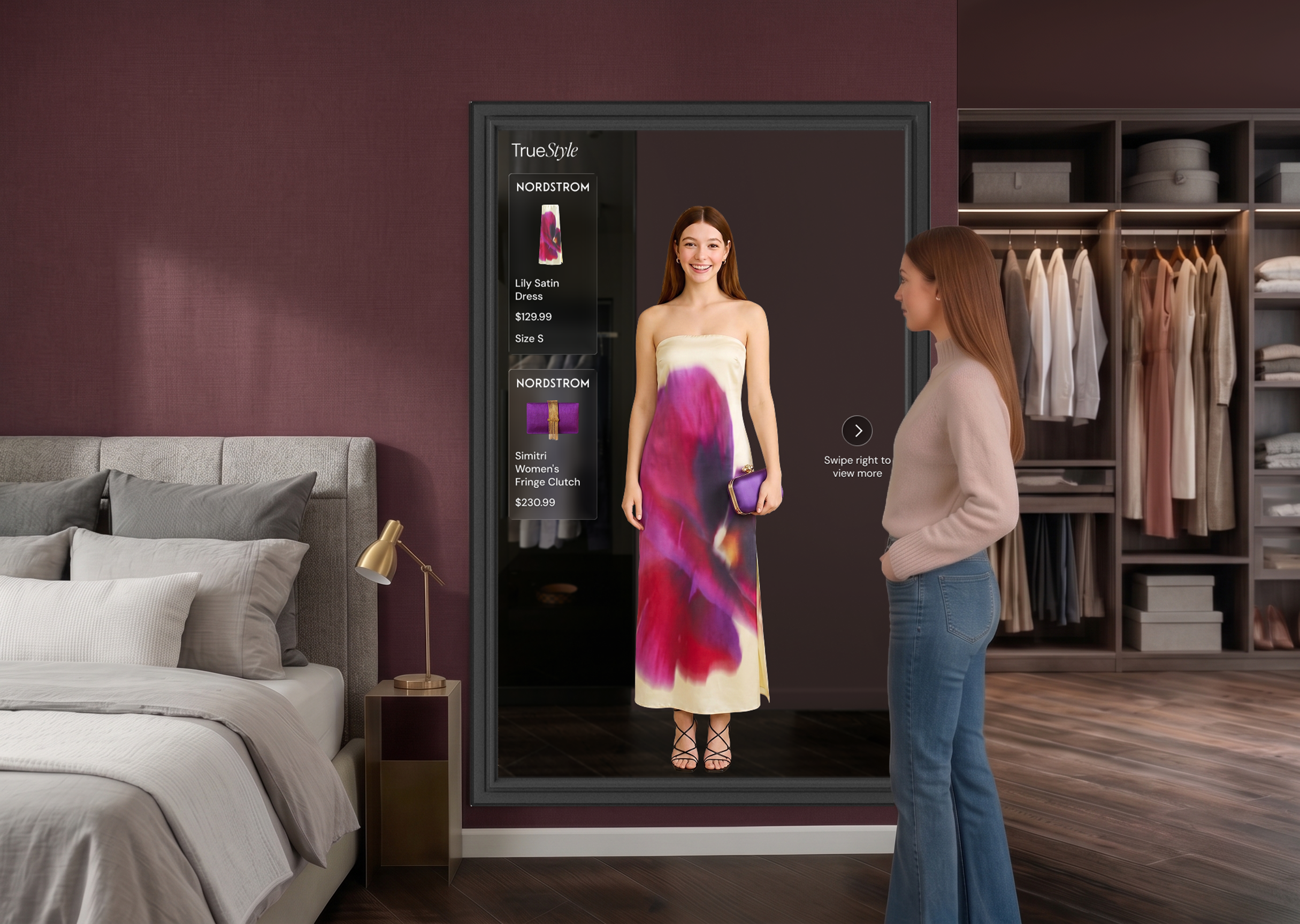
Four revenue streams, one connected platform
TrueStyle generates revenue from both the retailer (B2B) and the shopper (B2C), creating multiple touchpoints across the in-store and mobile experience.
B2B · Recurring
Hardware Lease
Retailers lease pre-configured mirror units. No upfront capital, maintenance included, scales with store count.
B2B · Subscription
Platform SaaS
Monthly fee gives retailers avatar generation, AR visualization, content management, and analytics dashboards.
B2C · Freemium
Mobile App Premium
Free tier drives adoption. Premium unlocks AI styling, unlimited try-ons, and cross-retailer wardrobe syncing.